
Where do I edit this text?
Decide whether text belongs to the whole site or to one page.
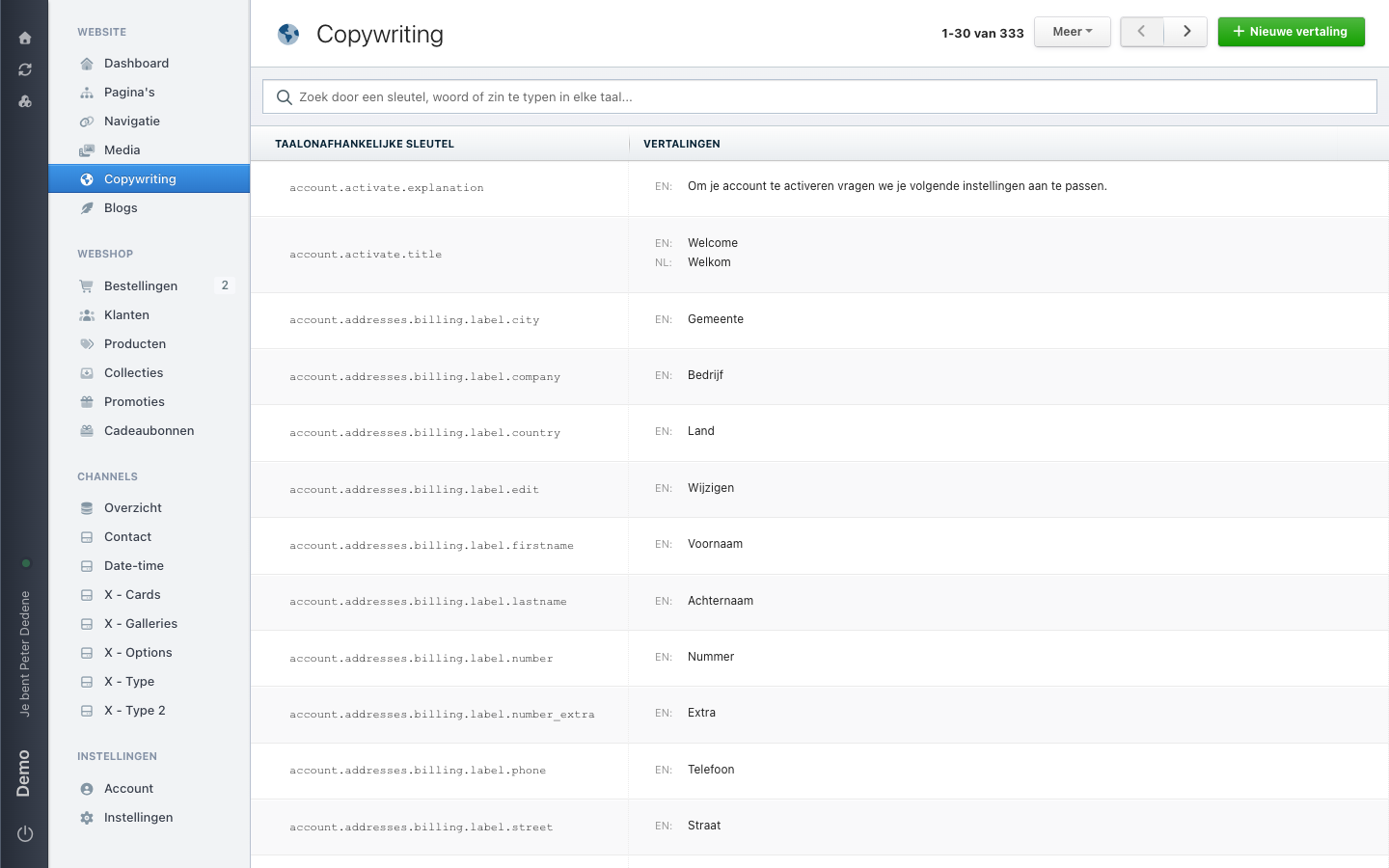
Use Copywriting for text that appears in more than one place on the site, such as a button label, a footer message, or a standard error message.
 View full size
Outcome
You will know whether to look in Copywriting or on the page itself.
Website copy or page content?
| If the text… | Start here |
|---|---|
| appears on several pages, such as a footer message | Copywriting |
| belongs to one page, such as its heading or body text | Pages |
The languages available in Copywriting depend on the site you selected.
Open Copywriting
- Open Website in the left navigation.
- Choose Copywriting.
- Find the row with the translation name for the shared text you need.
A translation name is a fixed label used to recognise shared text. Read the labels in that column and match them with the translation name you were given. If your labels are in Dutch, the column may read TAALONAFHANKELIJKE SLEUTEL.
If you do not know the translation name, stop here and ask the person who requested the change. Do not edit rows just to find out what they control.
If you cannot see Copywriting
Check that you selected the right site. If Copywriting is still missing, ask an administrator for access to Copywriting.