
Create a blog
Set up a new home for articles, and know what happens if you delete it later.
A blog is where a group of articles lives. Every article belongs to exactly one blog. A shop might keep practical advice and press releases apart by running two of them.
You rarely need a new one. Most sites get by for years with the blog they already have.
Where you start
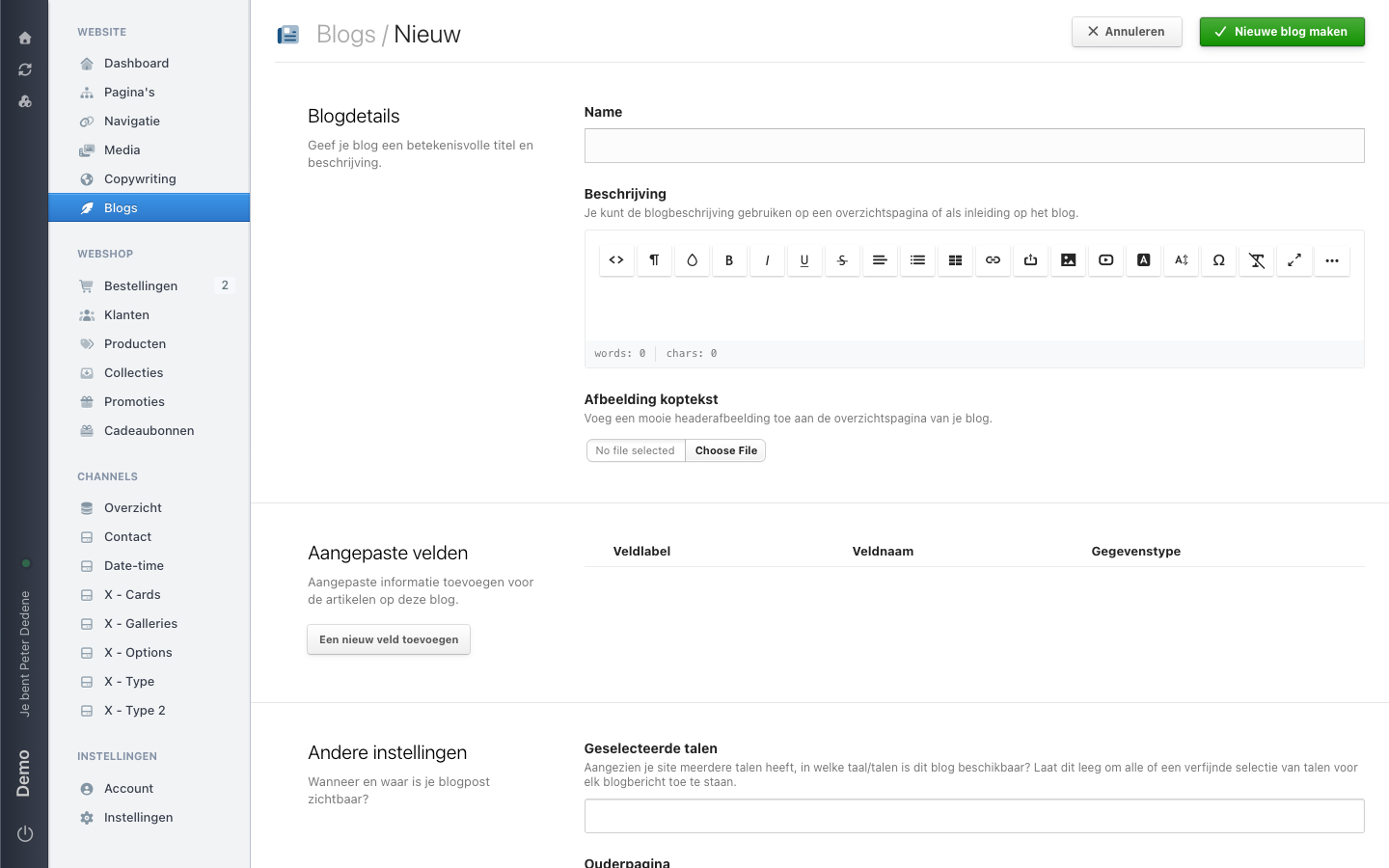
Open Blogs in the left menu and choose Overzicht (overview). You see the existing blogs with the columns NAAM (name) and TAGS. Blog toevoegen (add blog) sits at the top right.
That is a full page rather than a window, so you leave the overview for a moment.
 View full size
What the form asks for
Under Blogdetails sits the only required field: Name. It is the name editors use to recognise the blog in the article list, so write something that still makes sense a year from now.
Beschrijving (description) is a text field with formatting buttons. The screen explains what the text is for: you can use it on an overview page or as an introduction to the blog. Whether it appears anywhere depends on your theme.
Below that you can pick an Afbeelding koptekst (header image) for the blog's overview page, and under Aangepaste velden (custom fields) prepare extra fields for the articles in this blog. Andere instellingen (other settings) holds Geselecteerde talen (selected languages) and an Ouderpagina (parent page). Leave the languages empty and the blog is available in every language of the site.
Confirm with Nieuwe blog maken (create new blog). You land back on the overview and Nimbu reports "Blog met succes aangemaakt" (blog created successfully).
What you have afterwards
Click the new blog and you are on Blogs / your blog name / Alle artikelen (all articles). That list is empty. It offers Post toevoegen (add post), Blog bewerken (edit blog), and a link reading Je eerste bericht toevoegen (add your first post).
Creating a blog does not create an article. It does not create a menu item on your website either: where the blog shows up there depends on your navigation and your theme.
Changing the name or description
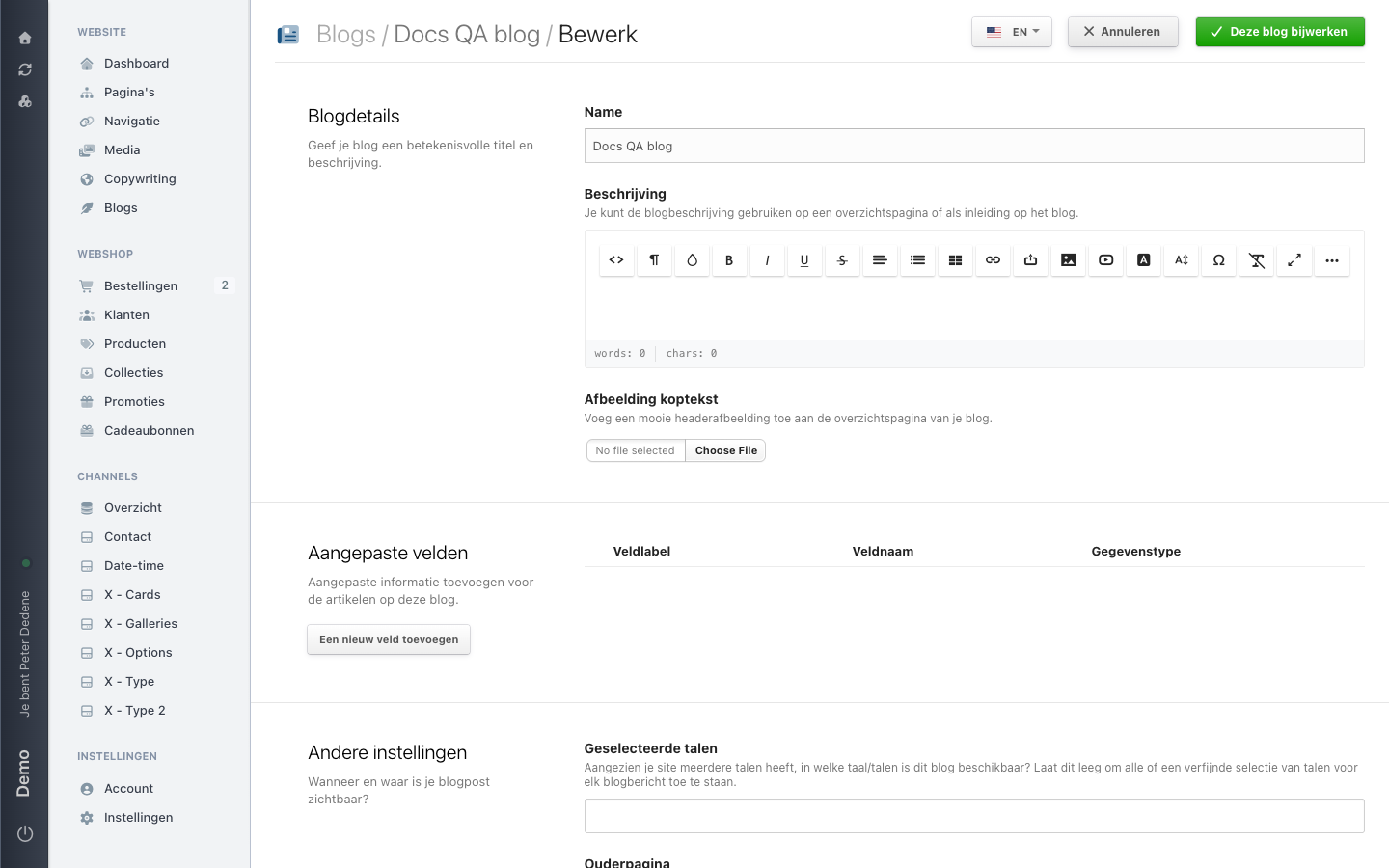
Choose Blog bewerken on the blog itself. You get the same form back, filled in, with Deze blog bijwerken (update this blog) at the top right.
 View full size
Deleting a blog
At the bottom of Blog bewerken sits the link Verwijder deze blog (delete this blog). You get a confirmation, and after that the blog is gone from the overview straight away.
Blogs have no trash
Pages can come back from the trash. Blogs cannot. What you delete is deleted, along with the home its articles belonged to. Delete a blog only when you are sure it holds nothing anyone still needs.
If you cannot find Blogs
Check which site you selected first. If Blogs stays invisible, ask an administrator for access to blog management.