
Follow up on subscriptions
Find running subscriptions, read their status, and cancel one when the customer asks.
Subscriptions appears in the store menu as soon as one customer has subscribed. While no subscription exists, the menu entry is not there. So do not go looking for it on a fresh shop.
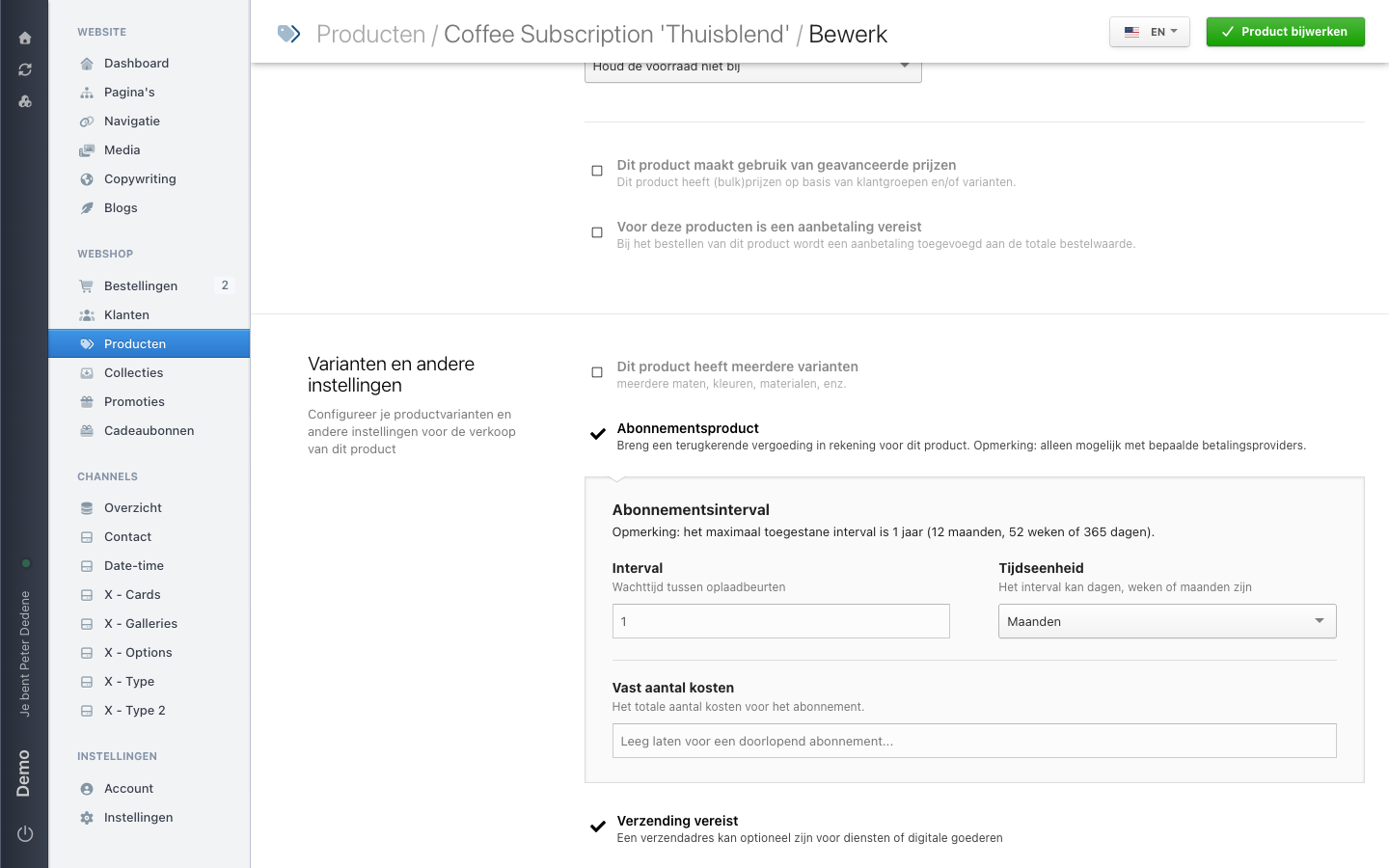
That menu entry follows the subscriptions themselves, not your products. We created a subscription product and ticked the subscription checkbox; the menu entry stayed away until a real subscription existed.
 View full size
What a subscription holds
Every subscription has its own number and points back to the order it started with. Next to that you find the amount, the billing and shipping address, the last payment, and the date it stays valid until.
A new subscription starts as pending. After that the status follows what happens with the payments.
What you can and cannot do
You can browse the list, open a subscription, edit the address, leave a comment, and cancel it.
You cannot create a subscription, and you cannot turn its contents into something else. A subscription always comes from a completed order paid with a recurring-capable method. If a customer asks for a subscription, let them order one.
Cancel a subscription
- Open Subscriptions in the store menu.
- Find the subscription, by number or by customer.
- Open it and check that this is the right customer.
- Choose the cancel action.
- Leave a comment saying why you cancelled and who asked.
Cancelling stops the next payment. What happens with a period already paid for is between you and the customer. Payments already taken do not come back on their own.
When a customer asks for something else
If someone wants deliveries more or less often, do not change the running subscription. Cancel it and let the customer order the right subscription product again.