
Empty a channel and the trash
Delete items, empty a whole channel at once, and know where deleted items end up.
There are two ways to get rid of items. You delete one, or you empty the whole channel. Both put the items in the channel's trash; the channel itself and its structure stay.
Both actions sit behind the Meer (more) button in the channel toolbar, alongside editing the structure, managing access, and the import and export actions.
Delete one item
Open the item and choose the delete action. The item leaves the list and the count on the channel card drops.
That does not remove the item from the system. Nimbu records when you deleted it and keeps it in the channel's trash.
Empty a channel
Emptying a channel takes all items out in one action. The structure, the fields and the settings stay. What you keep is the same channel, without content.
Nimbu schedules the emptying as a background job. The action is therefore not always finished right away: on a large channel the item count can keep dropping for a while before it reaches zero. The items that go out land in the trash, the same as a single deleted item.
Emptying hits everything at once
A filter on the list changes nothing about what emptying does. All items go, including what you cannot see at that moment. Make an export first if you might still need the data.
The trash
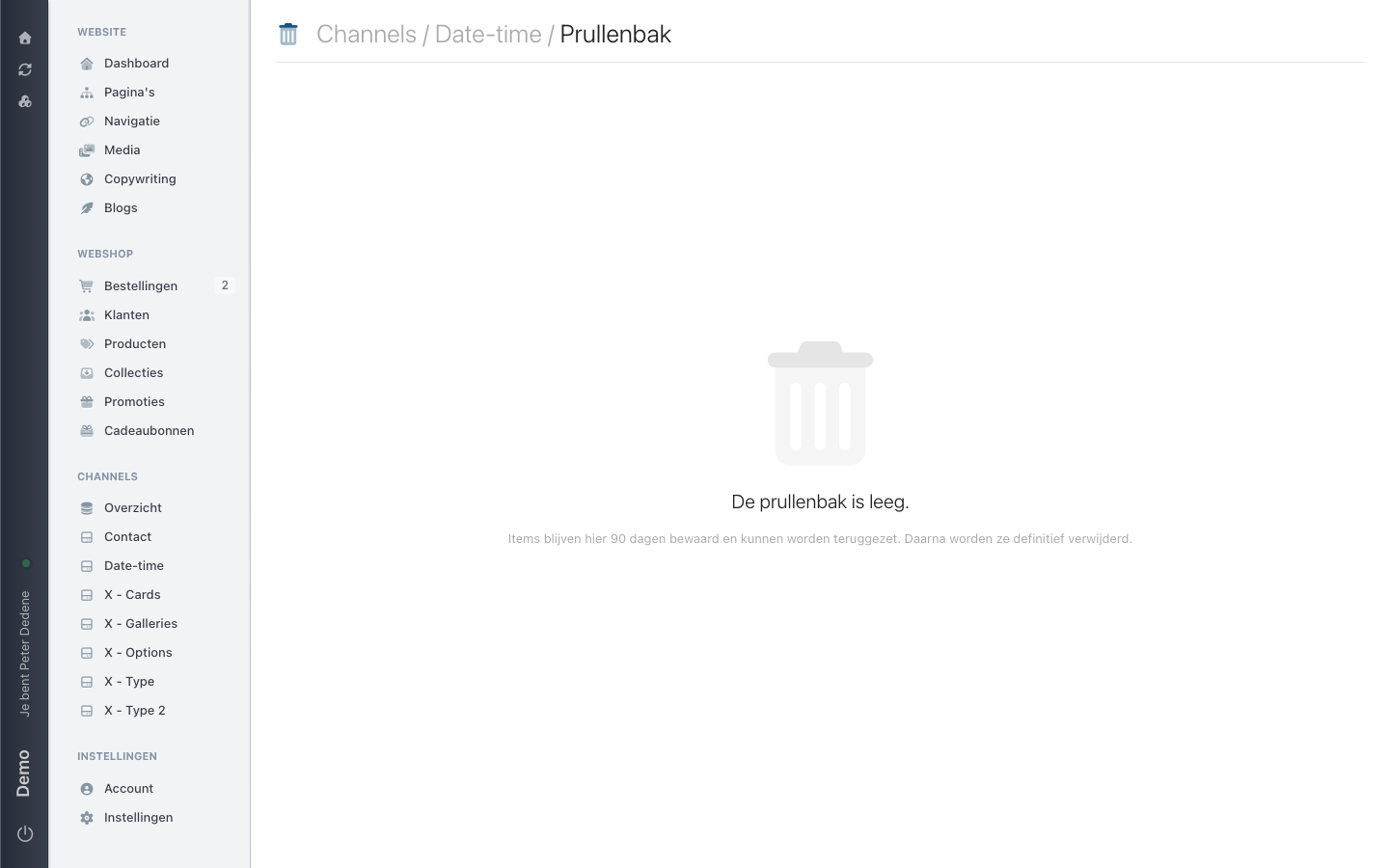
The same Meer menu holds Prullenbak (trash), marked as a beta feature. Its heading reads Channels / <name> / Prullenbak, with the items you deleted from this channel below it and the moment each one went.
 View full size
The screen says so itself: items are kept for 90 days and can be restored. After that Nimbu deletes them permanently.
Expect a beta feature to still change. Treat the trash as a safety net for today's mistake, not as your archive. If you need to keep data longer, export it.
What to do first
If you are removing a batch of items, work in this order:
- Export the channel, so you have the data outside Nimbu.
- Check whether other channels reference these items. A
belongs_tofield pointing at a deleted item is left with nothing. - Delete what has to go.
- Check your site in the places where these items appeared.