
Add and edit entries
Find items with search and filters, fill in the item form, and duplicate an item that resembles another.
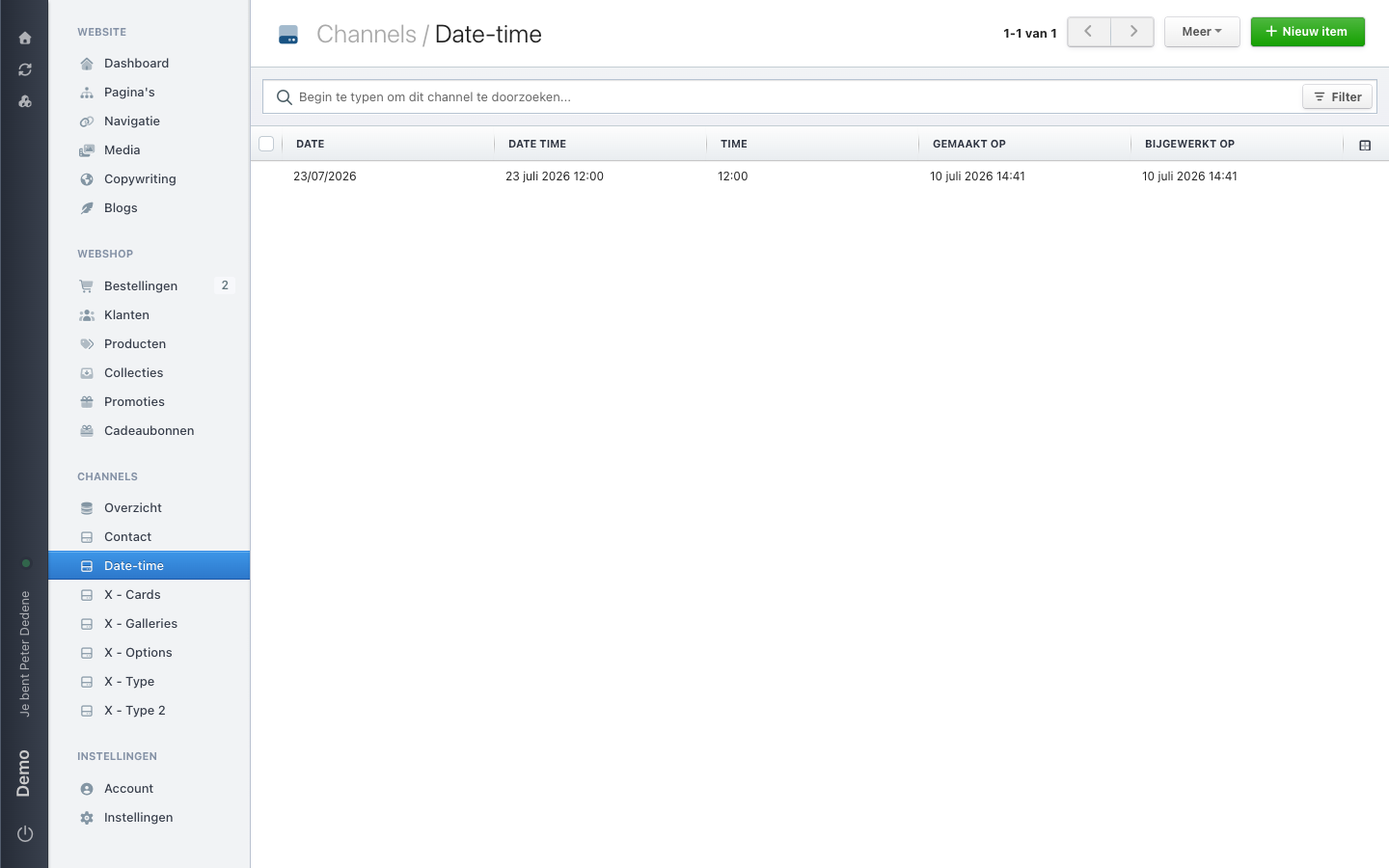
Open a channel and you see the list of items. Every column is a field from the structure, every row is one item. Top right sits New item.
 View full size
Finding the right item
At the top there is a search box reading "Begin te typen om dit channel te doorzoeken..." (start typing to search this channel). Type a word and the list narrows. Search looks at the searchable fields of the channel, so not necessarily at everything.
To the right of the search box sits a Filter button. There you build rules on a field, for example only items with status Open. You choose whether items must match all rules or any of them. Two filters with "all" narrow the list; with "any" they widen it.
Every column is a field from the structure. The last two columns are always the creation and update timestamps. Click a column header to sort on that field. Every channel also has a default sort, usually the creation date with the newest first.
Add an item
- Open the channel.
- Choose New item.
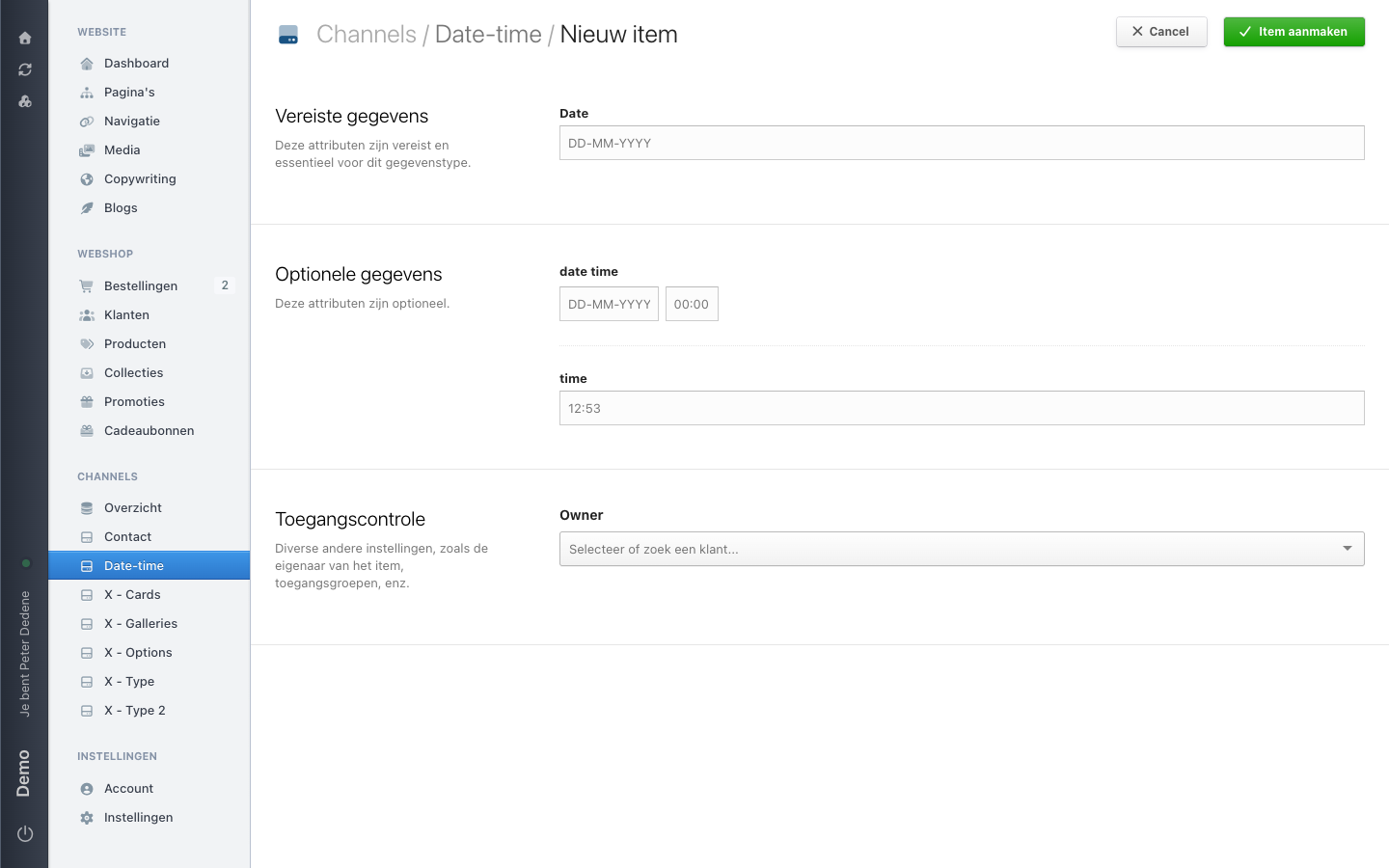
- Fill in the fields. Required fields carry a marker.
- Save the item.
Leave a required field empty and Nimbu saves nothing, telling you which field is missing. The same goes for a unique field whose value is already taken: the message says so in as many words.
For a reference field you pick an item from the linked channel. If the item you need is not there yet, create it in that channel first.
 View full size
Edit an item
Click a row to open the item, change what needs changing, and save.
Watch the web address of an item. Nimbu derives it from the title field when you create the item, and it does not follow along when you change the title afterwards. An item you rename from Eerste item to Openingsavond keeps the address eerste-item. That is deliberate: existing links keep working.
For a translatable field you fill in a value per site language. A language you leave empty stays empty or falls back to the default language.
Duplicate an item
If a new item closely resembles an existing one, duplicate it and change what differs. Handy for a run of events at the same venue or vacancies within the same department.
After duplicating, check the fields that must be unique, and the web address. A copy with a half-edited reference code is harder to track down than an item you typed out again.