
Organise pages and choose a homepage
Drag pages around the page tree without nesting them by accident, and see where the homepage choice lives.
The page tree on Pagina's (pages) shows your pages in their current order, with child pages indented under their parent. You change that order by dragging.
The homepage is a separate choice. It does not live in the tree but behind a button in the toolbar.
Dragging saves immediately
Pick a page up and drop it in its new spot. Nimbu saves the new order right away: no save button, no message, no confirmation. Reload the list and the page sits where you left it.
That silence takes getting used to. If you want to be sure it worked, reload the page and look again.
A bad landing nests the page under another one
The same gesture can do two things: place the page between two others, or hang it underneath one of them. Drop on the line between two items when you only want to change the order. There is no undo button, so if it goes wrong, drag the page back yourself.
Move one page at a time and check the result before you start the next. Whether anything changes in your website menu depends on your navigation, which you manage separately.
Changing the homepage
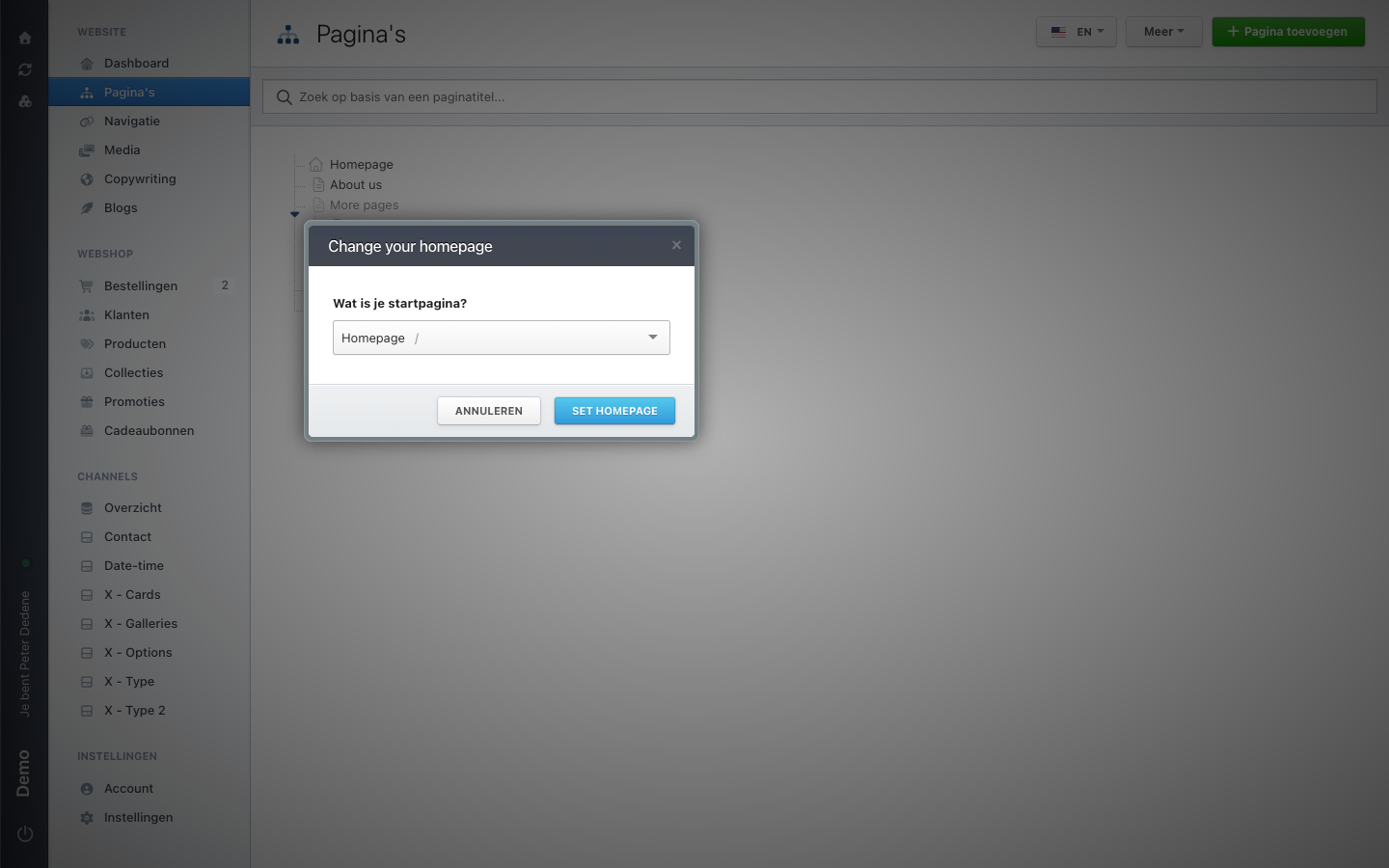
Meer (more) in the toolbar of Pagina's holds the action for changing your homepage. A window opens titled Change your homepage.
It contains one dropdown, under the question Wat is je startpagina? (what is your homepage?). The list shows the page that currently holds the role. You pick another page, or you leave with Annuleren (cancel).
 View full size
This changes the address every visitor lands on. Talk to the site owner before you confirm, however harmless the window looks.
Order, parent page, and homepage
Three things that get mixed up the moment somebody asks you to "sort the pages out":
- Order decides where a page sits in the list, and usually where it ends up in a menu.
- The parent page decides which page it hangs under. You pick that when you create a page, or by dragging in the tree.
- The homepage is the page visitors reach at your main address. One per site.