
Apps, variables, and design
Choose the right developer-owned area before asking for a site change.
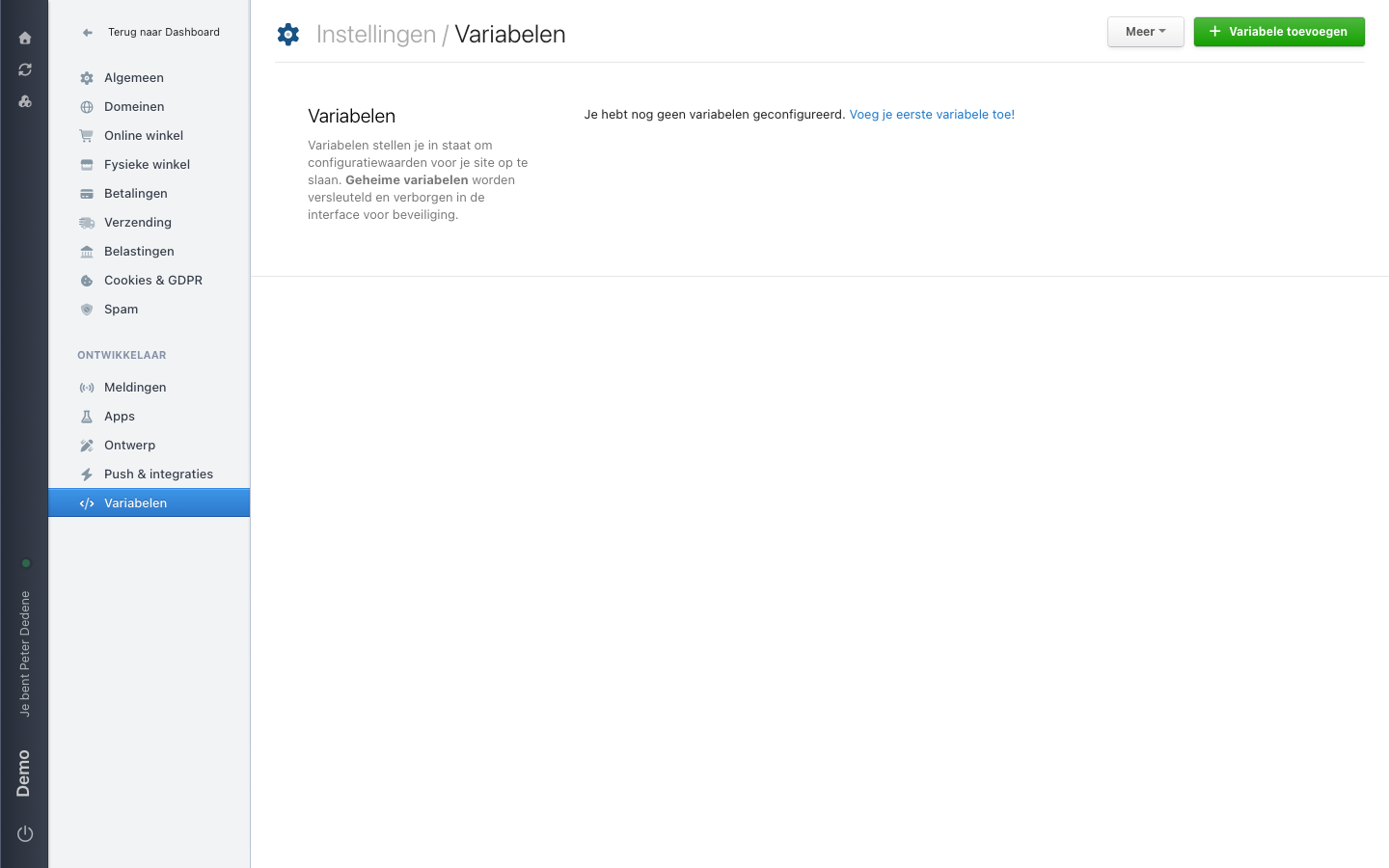
The bottom of the Settings menu carries the heading Ontwikkelaar (Developer). Under it you find Apps, Ontwerp (Design), and Variabelen (Variables), among others. These are three separate areas for technical site work. Use this page to decide where your question belongs, then involve the person who owns that work.
The labels below are the Dutch ones you see on screen, with the English meaning in brackets.
 View full size
Variabelen (variables)
Variables store configuration values for your site. Geheime variabelen (secret variables) are encrypted and hidden in the interface, so their value stays out of sight.
When the site has no variables yet, the screen says so. In the top right sit Variabele toevoegen (add variable) and a Meer (more) button holding the remaining actions.
Variables are not ordinary content fields. If a developer refers to one of these named settings, ask that person to review the request before you change anything.
Apps and Ontwerp
Apps and Ontwerp sit in the same menu under Ontwikkelaar. Go to Apps when your question is about software connected to the site, and to Ontwerp when it is about how the site looks. Both belong to technical ownership, so ask the responsible developer or designer before anything changes.
When an area is missing
Each of these areas has its own access. If one is absent from the menu, ask the site owner whether you should have access to it.
When to involve a developer
Involve the developer or technical owner before a request affects a connected application, a variable, or the site's design. If you do not know who owns the work, ask the site owner. Do not use values from another site as a substitute, and do not make a trial change on a live site.
This page does not cover code, access details, or change steps.